For the neighbors who ended up on the HOA board.
Dwellra is where a volunteer board keeps the dues ledger, records the checks and Zelle payments that come in, tracks requests and violations, and stores the documents the next board will need. Owners sign in to see their balance and how to pay.
No credit card. 30-day trial.Watch the 1-minute video
Dues still arrive by check and Zelle. Now each one is on the record.
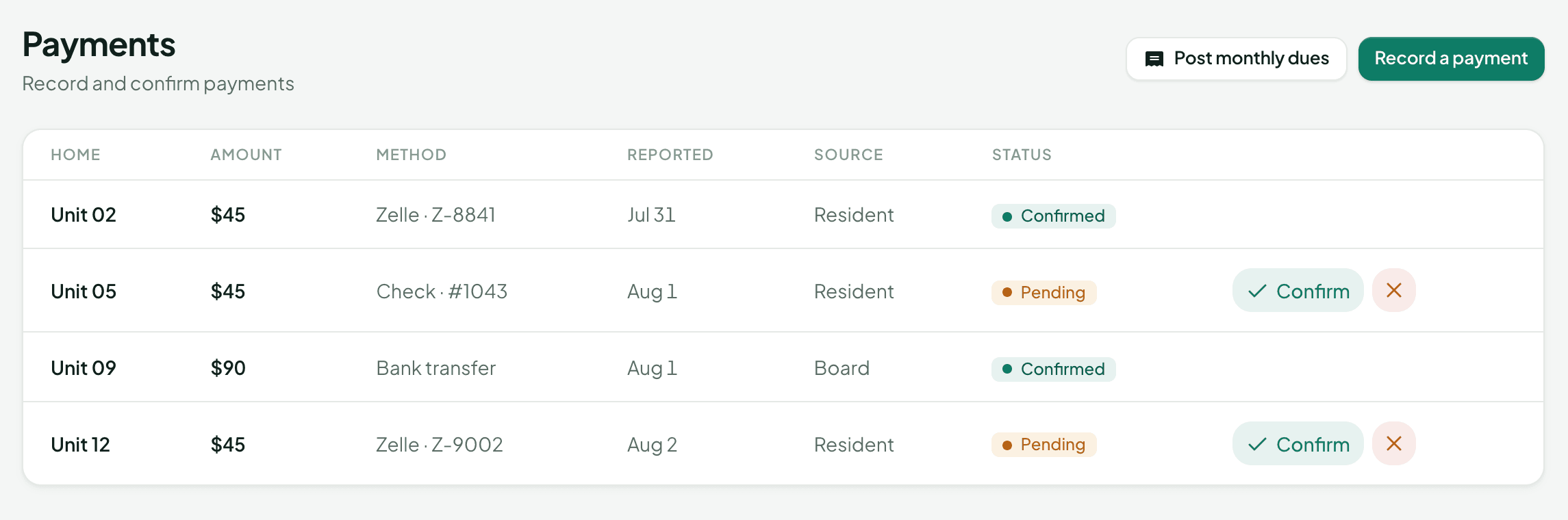
Owners keep paying the way they already do. When they've paid, they say so in Dwellra and add the amount and a check number or Zelle reference.
The treasurer confirms it against that home's ledger, and the balance updates. Post the month's dues for every home in one step, and add a fine to a home's ledger when the board levies one.
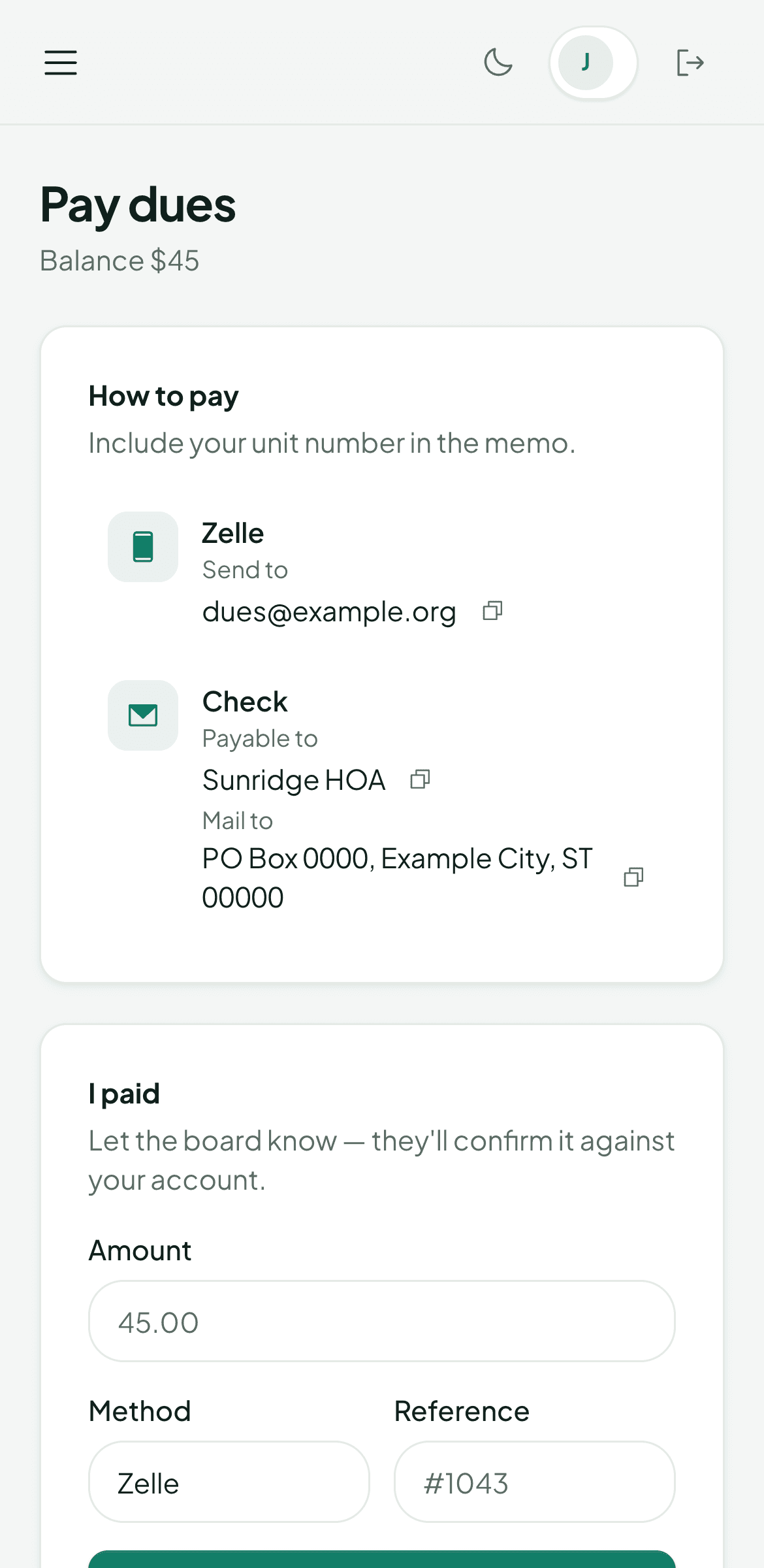
Homeowners get a page that answers the usual questions.
What do I owe? Who do I make the check out to? Did my payment go through? Each owner sees their own balance, the instructions your board writes, and a way to tell you they've paid.
They can also file a maintenance request, read announcements, find the community's documents, and look up a neighbor in the directory.
One board member can set it up in an afternoon.
- 1
Create your community
Name it, choose HOA or condo, and create your board account. You become the board president.
- 2
Add your homes
List each home or unit and its owner. You can add more at any time from Homeowners.
- 3
Set your dues
Amount, how often (monthly, quarterly, or annual), the due day, and your late fee.
- 4
Tell owners how to pay
Who checks are payable to, your mailing address, and Zelle or bank details. Owners see these on their Pay dues page.
Then invite your board and homeowners. Create an invite for each person, pick their role, and link it to their home. Dwellra gives you a private link to send however you already reach your neighbors. Each link works once.
Dwellra in about a minute.
Why running an HOA by spreadsheet and group text gets hard, and what it looks like in Dwellra.
Not in Dwellra yet: online dues payments and autopay, email and text message delivery, automatic late fees, and importing homeowners from a spreadsheet. The features page keeps that list current.
What boards ask before they sign up.
Something else? Email [email protected].
Can homeowners pay their dues online?
Not yet. Owners pay the way they do today (check, Zelle, or bank transfer) using the instructions you set. The board records and tracks every payment in Dwellra, and owners can report a payment they sent so the treasurer only has to confirm it.
Does Dwellra send emails or texts?
Not yet. Announcements live in Dwellra, where every member can read them, and invites are private links you send yourself, by email, text, or a note on the door.
Does it work for a condo association?
Yes. Choose HOA or condo when you create your community. Dues are set per home or unit.
Who sees what?
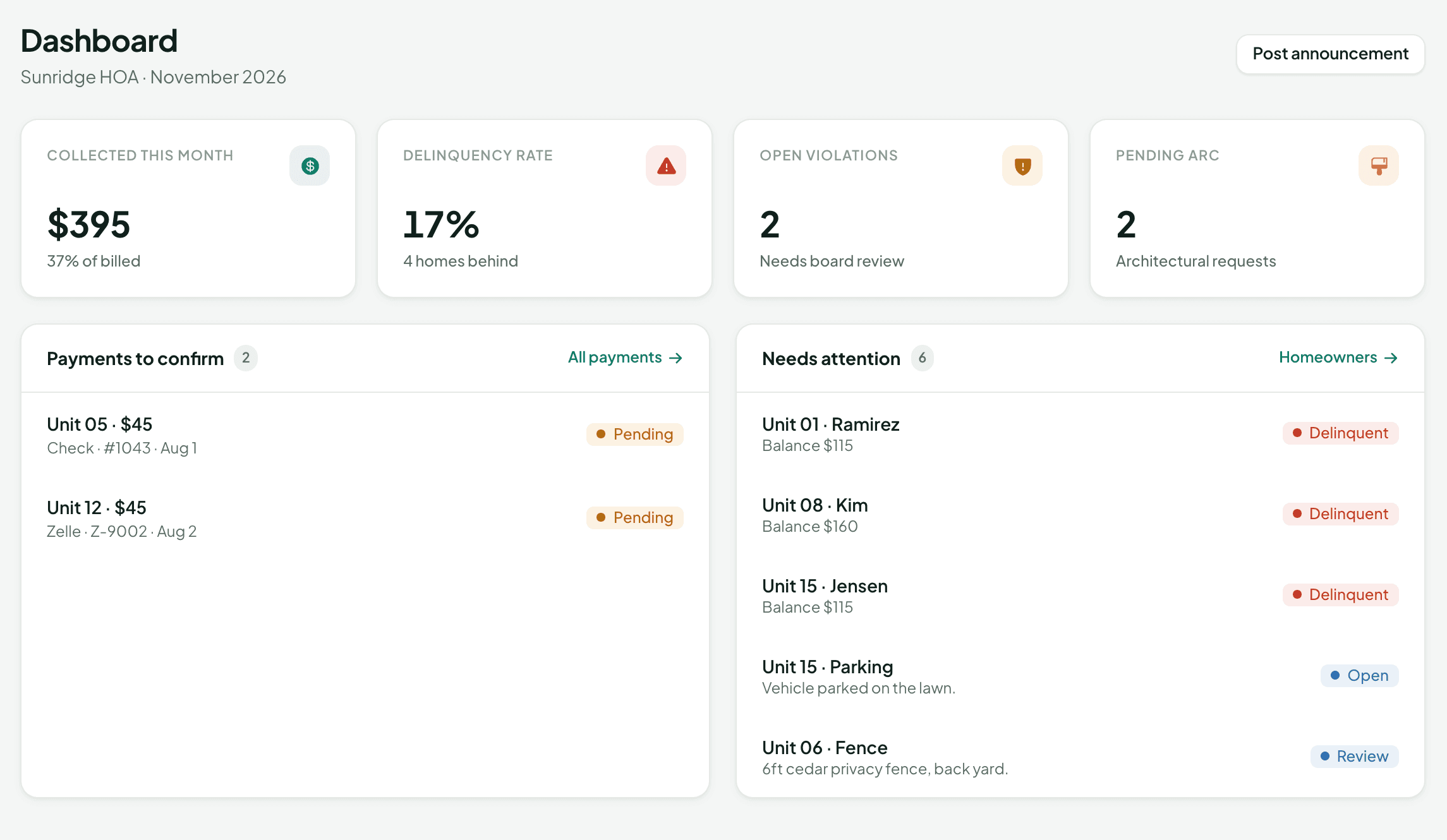
Board members see the board tools: the dashboard, homeowners and ledgers, payments, announcements, requests, violations, architectural review, documents, and settings. Homeowners see their own balance and how to pay, plus requests, announcements, documents, and the directory. Documents you upload are shared with everyone in your community.
What happens to our records when the board changes?
They stay with the community, not with a volunteer's inbox. Invite the new board members with the right roles and everything is already there.
How is our data kept separate?
Each community's records are kept apart from every other community's. Uploaded files sit in private storage and can only be opened through short-lived links.
Start with your next dues cycle.
Starter is $29 a month for up to 30 homes.
No credit card. 30-day trial.